

To update your password, please go to the login screen to start.
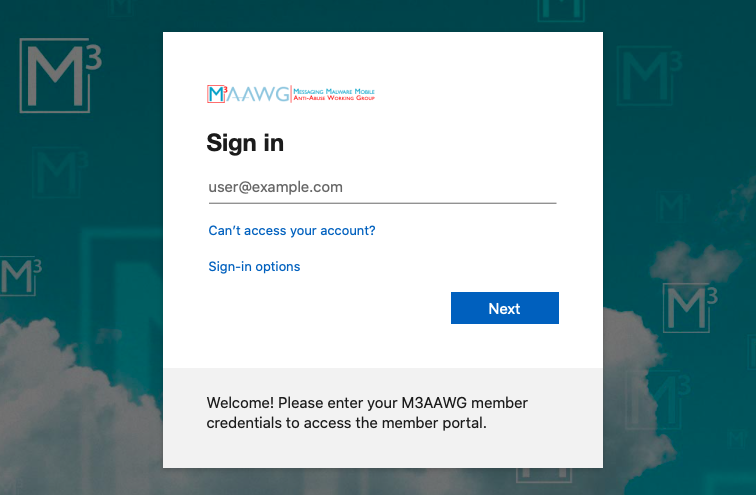
Within the Microsoft AAD login screen, click the "Can't access your account?" link:
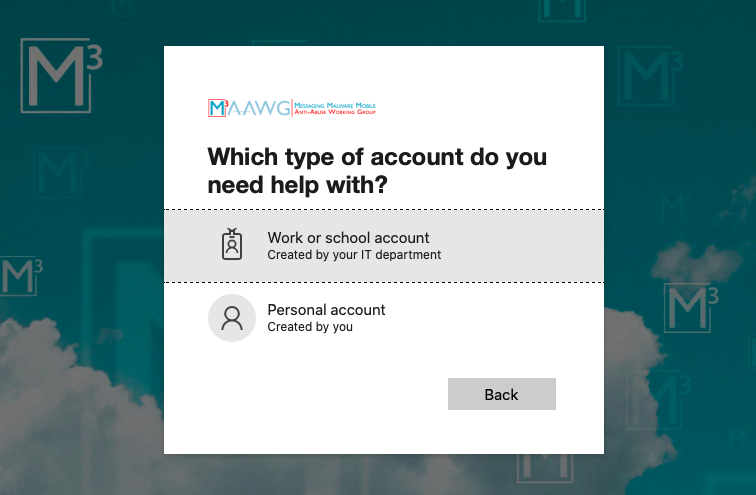
Next, select the type of AAD account you are using:
Finally, follow the steps on the next screen by entering your email address, confirming the Captcha, then click the Next button:
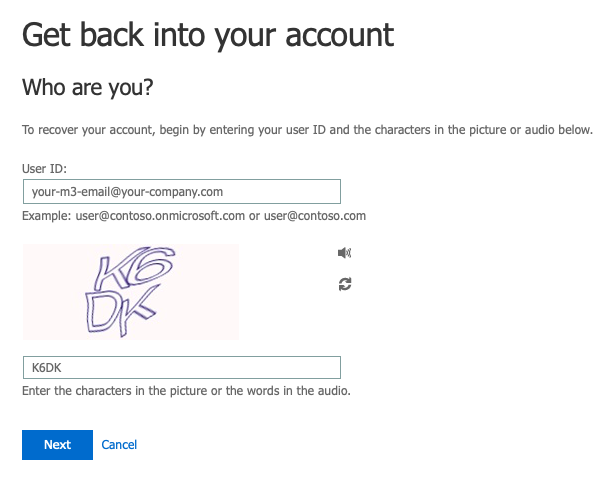
To complete the process, you will need to confirm your email address, reset your password, and then login once more with your new password.